


Millions of Britons will bask in a 38ºC heatwave this week, as the Met Office issued a severe high temperature warning for large swathes of the UK. With the mercury set to reach new records, experts have warned about another side effect of the summer temperatures across the UK — broadband blackouts.
It’s a real phenomeon, with broadband providers like Virgin Media cautioning customers about the perils of sweltering temperatures causing household gadgets, like Wi-Fi routers, to stop working correctly.
A spokesperson for the brand told GB News: “Although we test our hubs carefully at a range of temperatures, they are better off out of bright sunlight, just like your phone or laptop. If the hub gets too hot, it could slow down your connection or even grind to a halt altogether.”
As noted by the moderator in a forum for BT broadband subscribers struggling with overheating issues with Wi-Fi routers: “Hubs can work up to 20c above room temperature. If your home is 21c, the Hub may be operating at 41c. This may seem hot, but is perfectly safe and normal.”

Of course, it’s not just these two brands. Heatwaves can impact a swathe of common electronics, including Smart TVs, games consoles, and Wi-Fi routers to name just a few.
If your Wi-Fi router overheats and goes offline, you’ll lose internet access across all of your devices. Whether you work or study from home, stream music, listen to the radio over the internet, or stream live television on platforms like Sky Stream or Freely TVs — losing a broadband connection is a massive inconvenience.
Those who have been switched from a traditional landline to a Digital Voice handset will lose the ability to make or receive landline calls, too. Critical personal alarms could be impacted too. Telecom expert Simrat Sharma told GB News that higher temperatures can have a detrimental impact on a range of household gadgets.
Ms Sharma, who works for broadband comparison service uSwitch, has warned that you need to be wary of overheating gadgets anytime temperatures climb to around 30ºC. And those with a busy household or plenty of internet-connected devices should be especially careful.
“The more devices that are connected to your router, the harder it has to work to keep them all online, which makes it more likely to slow down or switch off,” Ms Sharma told GB News.
The telecom expert has three simple easy-to-follow instructions to help avoid any broadband blackouts due to overheating Wi-Fi routers — or damage to any of your other gadgets during the summer heatwave.
| Beware of Hot Spots |
Place your router in the coolest room possible and away from direct sunlight. A central location usually provides the best Wi-Fi coverage while helping to keep temperatures down. Avoid placing your router on windowsills or other sunny locations. |
| Ensure Proper Ventilation |
Routers need good airflow to prevent overheating. Place the device on a stable, level surface that stays cool and allows air to circulate underneath. Avoid carpets or other soft surfaces that could block ventilation. |
| Working Outdoors |
Keep laptops, phones and other tech devices out of direct sunlight when working in the garden. Do not place your router outdoors in the sun. If you need a stronger signal outside, consider using a Wi-Fi extender instead. |
Although it might seem like a good idea, experts warn against switching off your Wi-Fi router, especially overnight. That’s because broadband companies typically issue critical security and performance updates overnight, as it’s the least disruptive time to make adjustments.
If your Wi-Fi router isn’t connected to the internet, you could miss these important firmware updates. That said, a simple reboot — also known as a power cycle — every now and again can improve the performance of your Wi-Fi router since it allows the components an opportunity to reset.
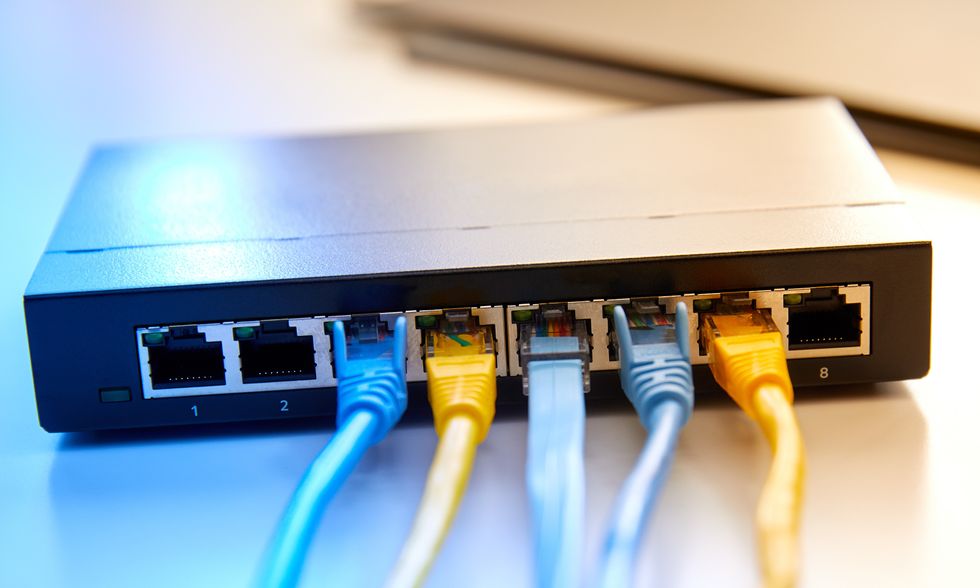
Because of the link between temperatures and the performance of Wi-Fi routers, the full-fibre broadband firm has advised keeping this essential out of direct sunlight. Place the router on a flat, hard surface that allows air to flow freely around the gadget. Placing the router on a carpet can be disastrous.
Ageing Wi-Fi routers can be powered by older, less efficient chipsets that can be more susceptible to heat problems, especially if they’ve been used constantly. Of course, these Wi-Fi routers are also more likely to have security issues too, so it’s worth contacting your broadband firm to talk about an upgrade.
Of course, the heatwave promises to impact more than just your Wi-Fi router. Ms Sharma has some expert advice for those worried about their smartphone during the sweltering temperatures too.
| Be Mindful of Heat Strain |
Most smartphones are designed to operate in temperatures up to 35°C and can manage their own cooling. However, direct sunlight creates additional heat stress, so keep your phone out of the sun whenever possible. |
| Give Your Phone a Rest |
If your phone starts to feel hot, close unused apps and disable features such as Bluetooth and Background App Refresh. Reducing processor activity helps lower heat generation. |
| Avoid a Cold Reception |
Store your phone in a cool place such as a drawer or glove compartment. Never place it in a fridge or freezer, as sudden temperature changes can damage the device. |
| Check Your Charger |
Unofficial or low-quality chargers can overload your phone while charging. This can become a bigger problem during hot weather, so use manufacturer-approved chargers whenever possible. |
Simrat Sharma cautions: “We’re all happy to see summer finally arriving in the UK, but of course, your tech might not always feel the same way and there’s a real risk your mobile phone or router can suffer long-term damage.
“Mobile phones and routers have in-built hardware to help them keep cool, but there are some things you can do to help. As a general rule, direct sunlight can often have a detrimental effect on your tech.
“Electronic devices all rely on ventilation to keep cool. This means they need space around them to let out the hot air caused by all the processing they need to do. If your router is surrounded by lots of other objects, it can’t properly ventilate and might overheat. For your mobile phone, a case could have the same effect.
“The more devices that are connected to your router, the harder it has to work to keep them all online, which makes it more likely to slow down or switch off. The same applies to your mobile device — if it has too many applications running this will force the processor to work harder and generate more heat.
“If your phone has overheated — you should never put it in a fridge or freezer to cool off, as the rapid change in temperature can do more harm than good. Instead, turn the power off and leave to cool in a well-ventilated area out of the sun.”


